Sketch to CAD
in seconds.
DraughtAI turns hand sketches, site photos and written briefs into review-ready DWG, DXF and PDF drawings — title block, dimensions and section hatching pre-applied to BS 8888 and ISO 128.
Try every DraughtAI tool, right here
Drop a sketch, paste a brief, or upload an existing drawing. The five core tools run in your browser against the same engine our paying studios use.
Output that already looks like your office's drawings
Every export ships with title block, scale bar, north arrow, dimension chains and material hatching laid out the way a competent draughtsperson would draw them by hand.

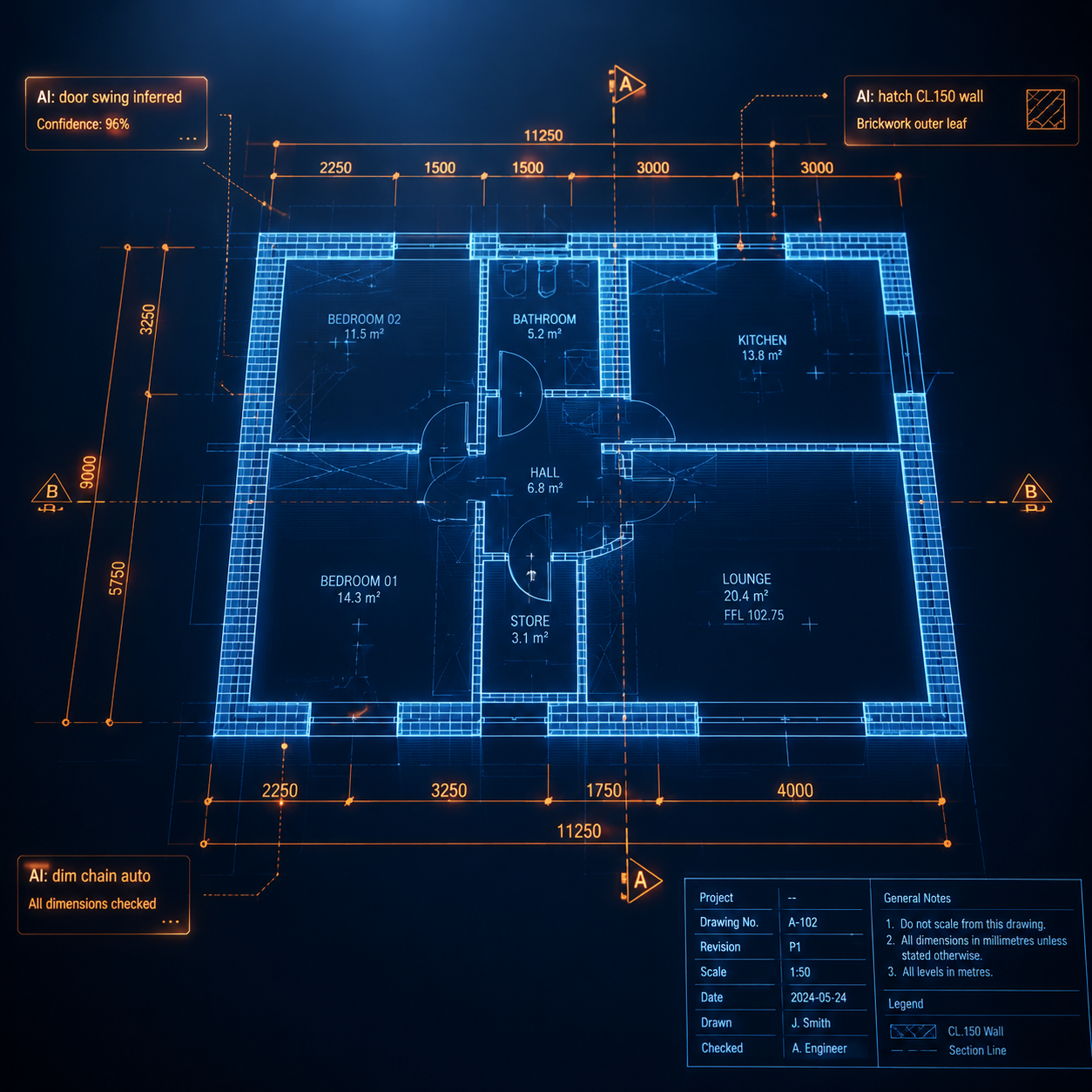

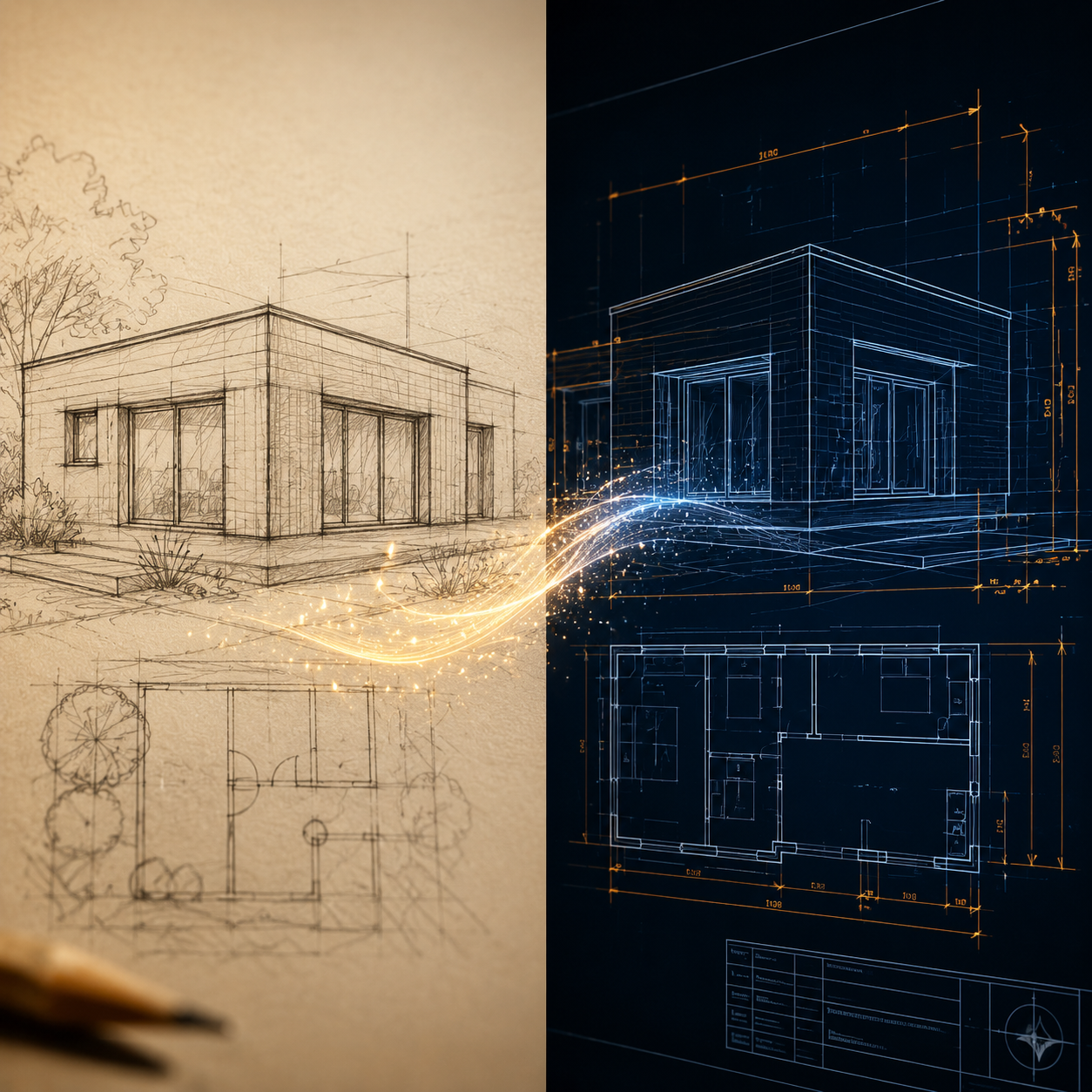
Hand sketch in. Office-standard DWG out.
Drop a pencil sketch, marked-up survey or site photo. DraughtAI vectorises walls, openings and fixtures, then writes them to your office's standard layer set with correct line weights, fonts and dimension styles.
- DWG / DXF / vector PDF in 8 – 30 seconds
- Layers mapped to your office template (BS, AIA or custom)
- Editable AutoCAD blocks, never raster
- Returns a structured change log per generation
Catches the missing dimension your reviewer used to.
Drawings nearing issue go through an automated pass that flags missing dimensions, sections without callouts, inconsistent line weights and font violations — with one-click suggestions to fix.
- BS 8888 / ISO 128 / ISO 19650 rule packs
- Per-sheet checklist with severity
- Reviewer-signed audit log on Studio plan
- Cannot issue while critical findings remain
Four steps from sketch to issue
Upload
Drop a sketch, marked-up PDF, photograph or text brief. Files stay in the UK region.
Configure
Pick template (BS 8888 default), units, scale and your office layer convention.
Generate
DraughtAI returns DWG, DXF and PDF drafts in 8 – 30 seconds with a structured change log.
Review & export
Open in AutoCAD / BricsCAD / DraftSight. A qualified draughtsperson signs off before issue.
Drawings that arrive with the right metadata, fonts and line types
Templates ship with the same drawing standards Brian McCallum Draughting has used on UK projects since 2007.
Title block, projection symbol, tolerances and surface texture indicators.
Continuous, dashed, chain and section line conventions applied automatically.
File naming, suitability codes and revision tracking for collaborative projects.
Compatible callouts for EC2 / EC3 design notes and structural element schedules.
Hazards, sequencing and welfare callout templates for principal designers.
UK-region storage, 30-day default retention, no model training on customer files.

Built by someone who's drawn for builders, engineers and architects across Scotland for nearly two decades.
"DraughtAI is the tool I built to take the dull half of my own job — the title blocks, the dimension chains, the standards admin — and hand it to software, so the human work of solving the design stays with the human."
Plans that scale from solo draughtsperson to full studio
Prices in GBP, exclusive of VAT. UK customers are charged 20% VAT at checkout. Cancel any time from your account.
Free Trial
Try without commitment
No card · 5 drawings included
- 5 AI drawings
- BS 8888 templates
- DWG, DXF, PDF export
- Email support
Solo
For independent draughtspeople
+ VAT · 100 drawings / month
- 100 AI drawings / month
- All templates & converters
- Compliance pre-check
- 30-day file retention
- Email support, 24h SLA
Studio
For practices of 5 – 30
+ VAT · 5 seats · 1,000 drawings
- 1,000 drawings / month
- 5 seats included
- Shared template library
- Project audit log (ISO 19650)
- Priority support, 8h SLA
Enterprise
For larger consultancies
Annual invoice · SSO · API
- Unlimited drawings
- SAML SSO
- API access
- Custom DPA & data residency
- Named account manager
Pay-as-you-go also available at £5 per drawing with no monthly minimum. See full pricing & FAQ.